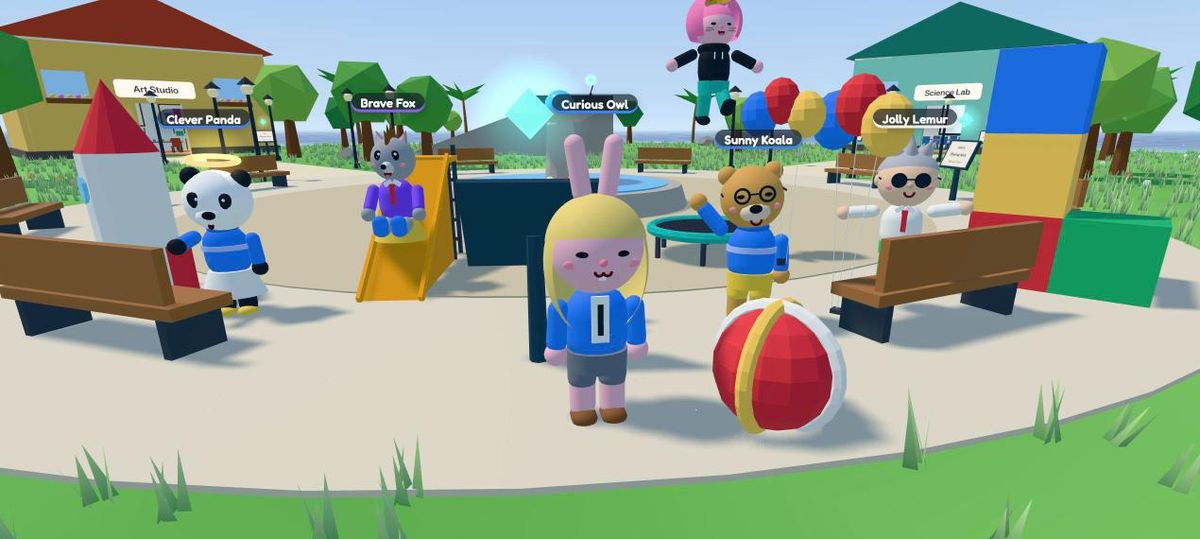
Multiplayer learning in the browser

A little world where your class or team learns together.

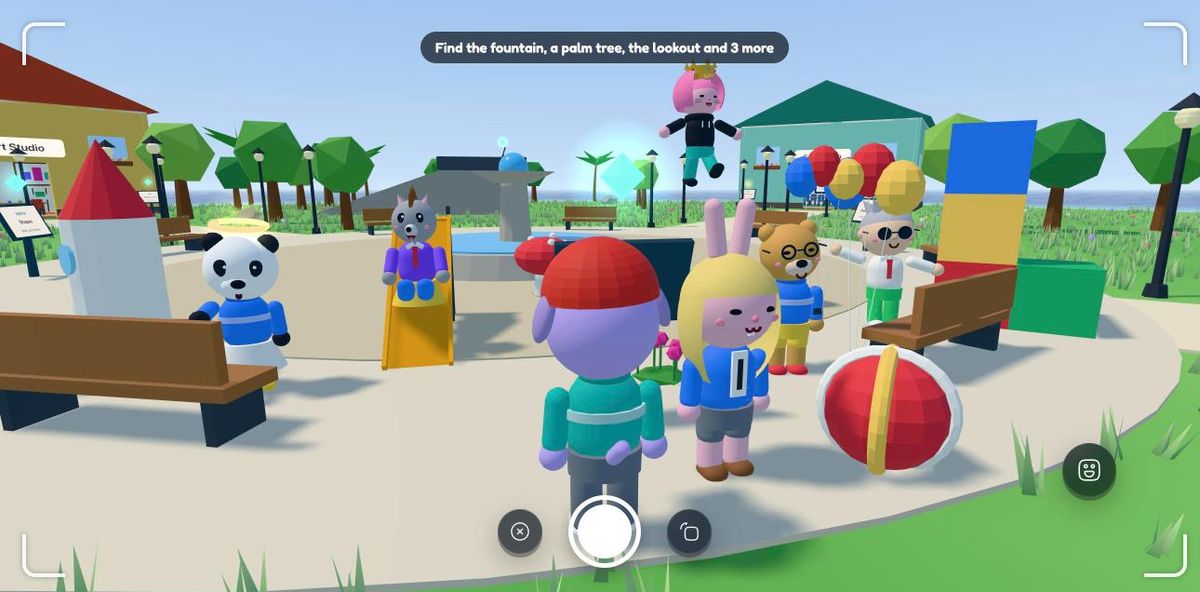
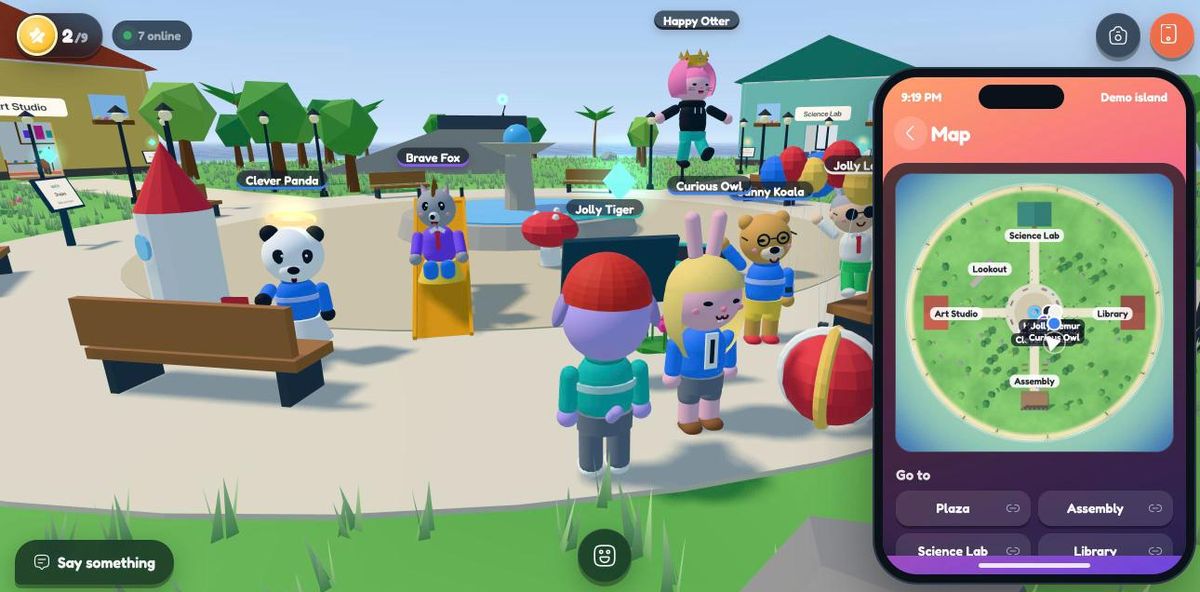
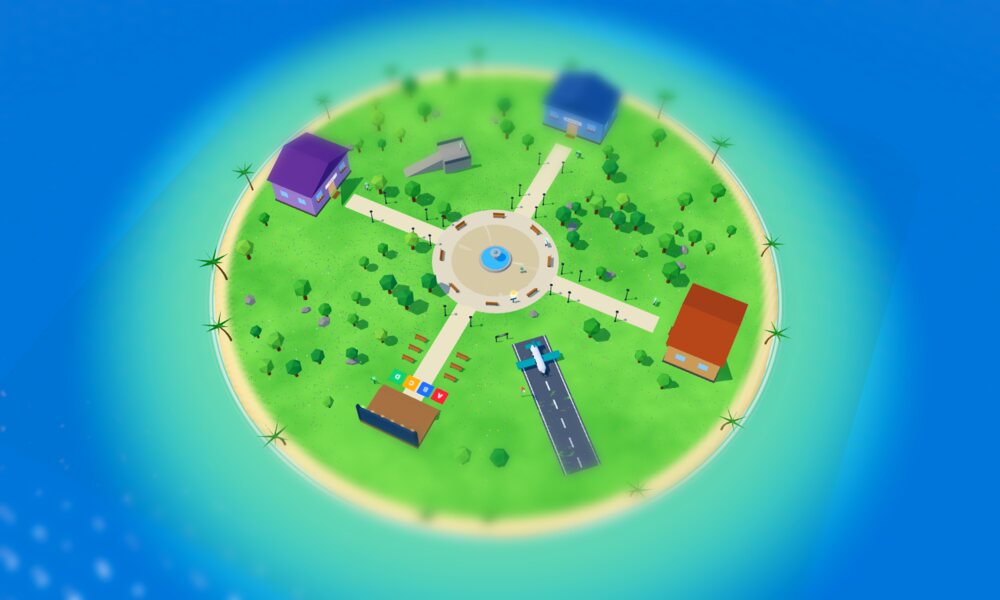
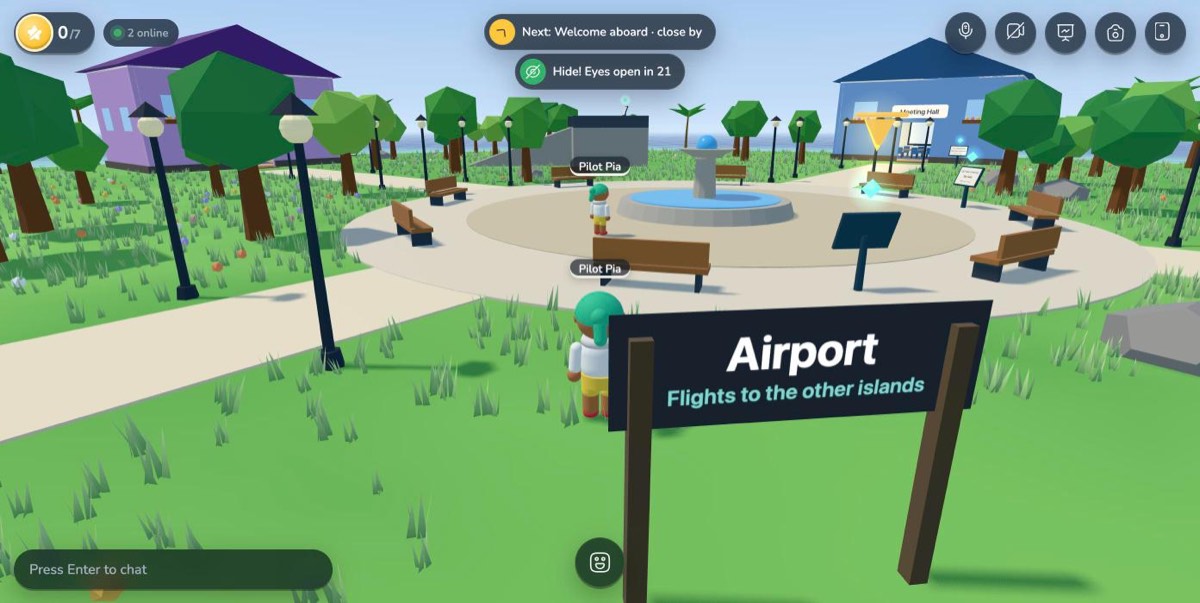
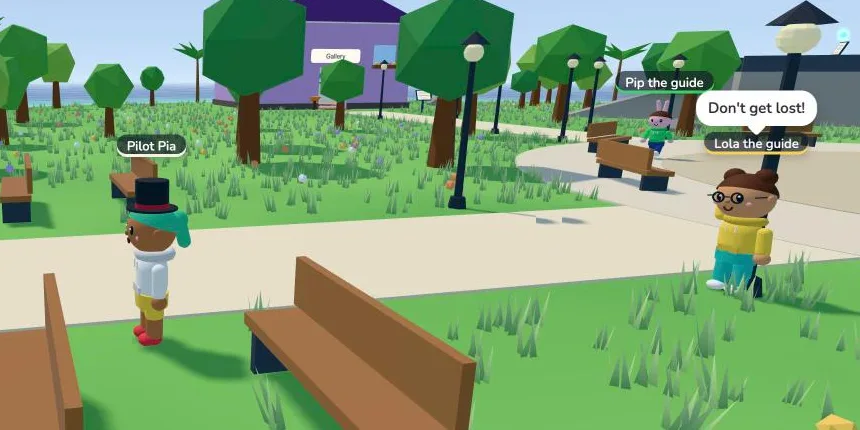
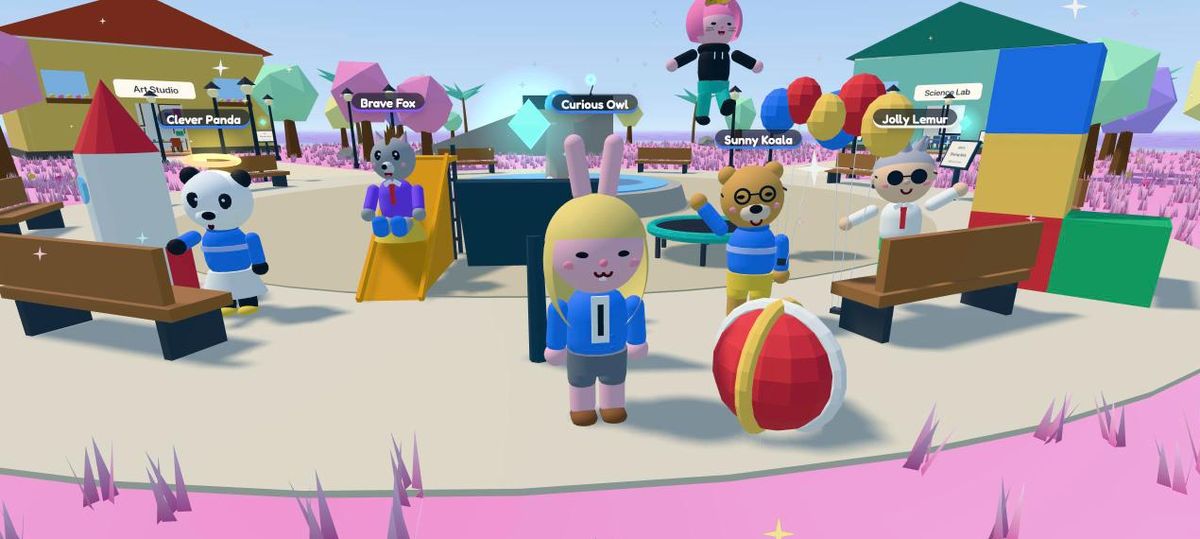
Walk around, meet people, explore learning stations, build, draw, play quiz shows and hide and seek, and fly between islands. It runs on the laptops, Chromebooks and iPads you already have: no headsets, no installs.

Got a code from your teacher or host? Join with it. Or wander around first: school island · team island

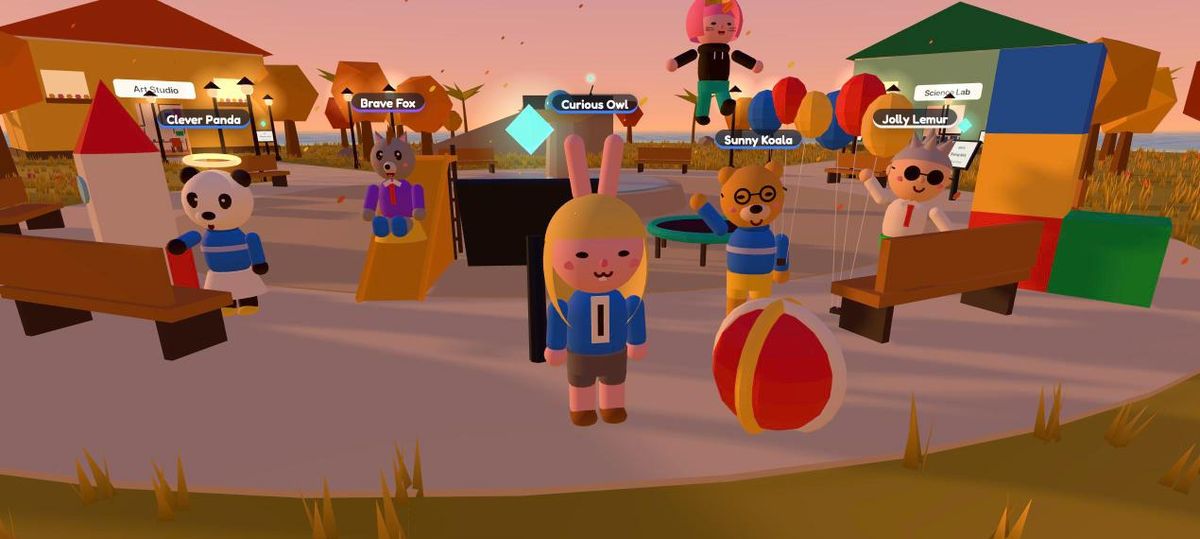
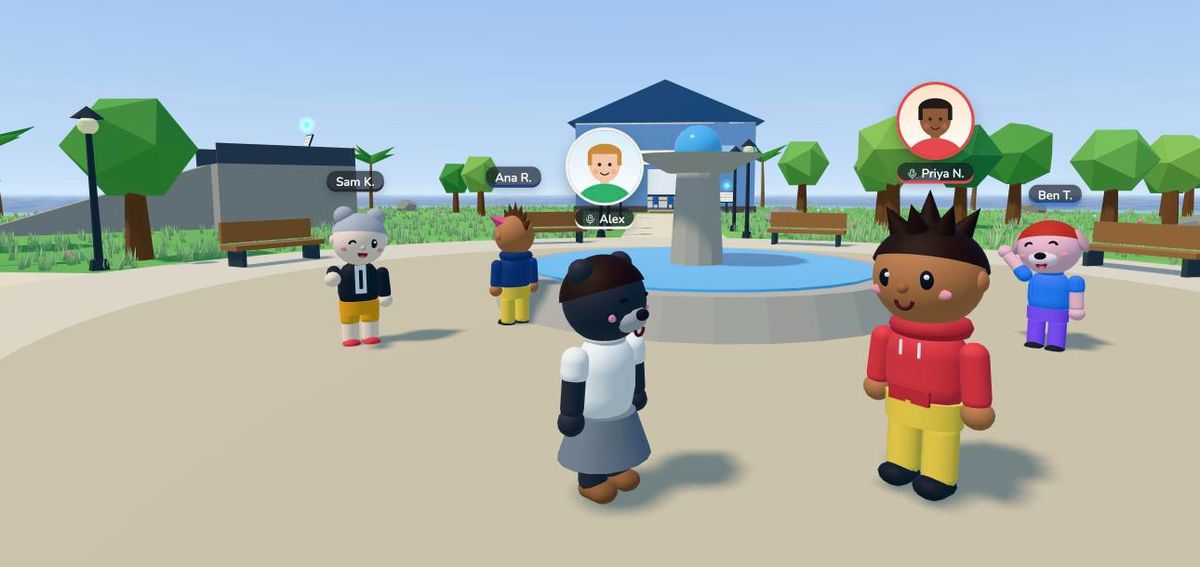
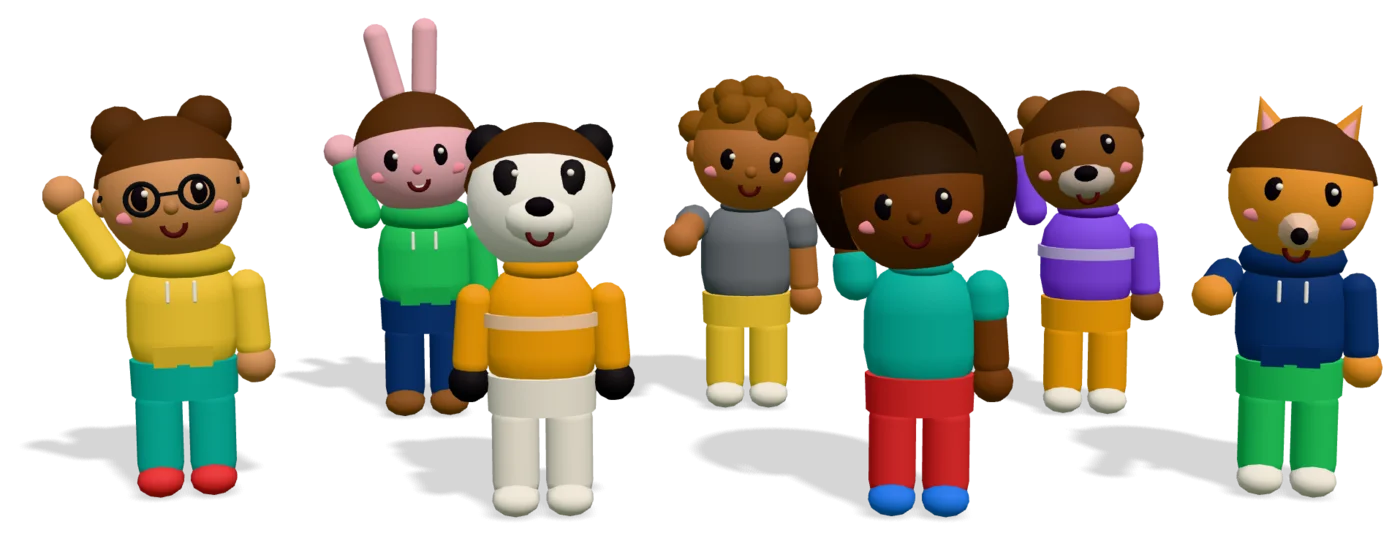
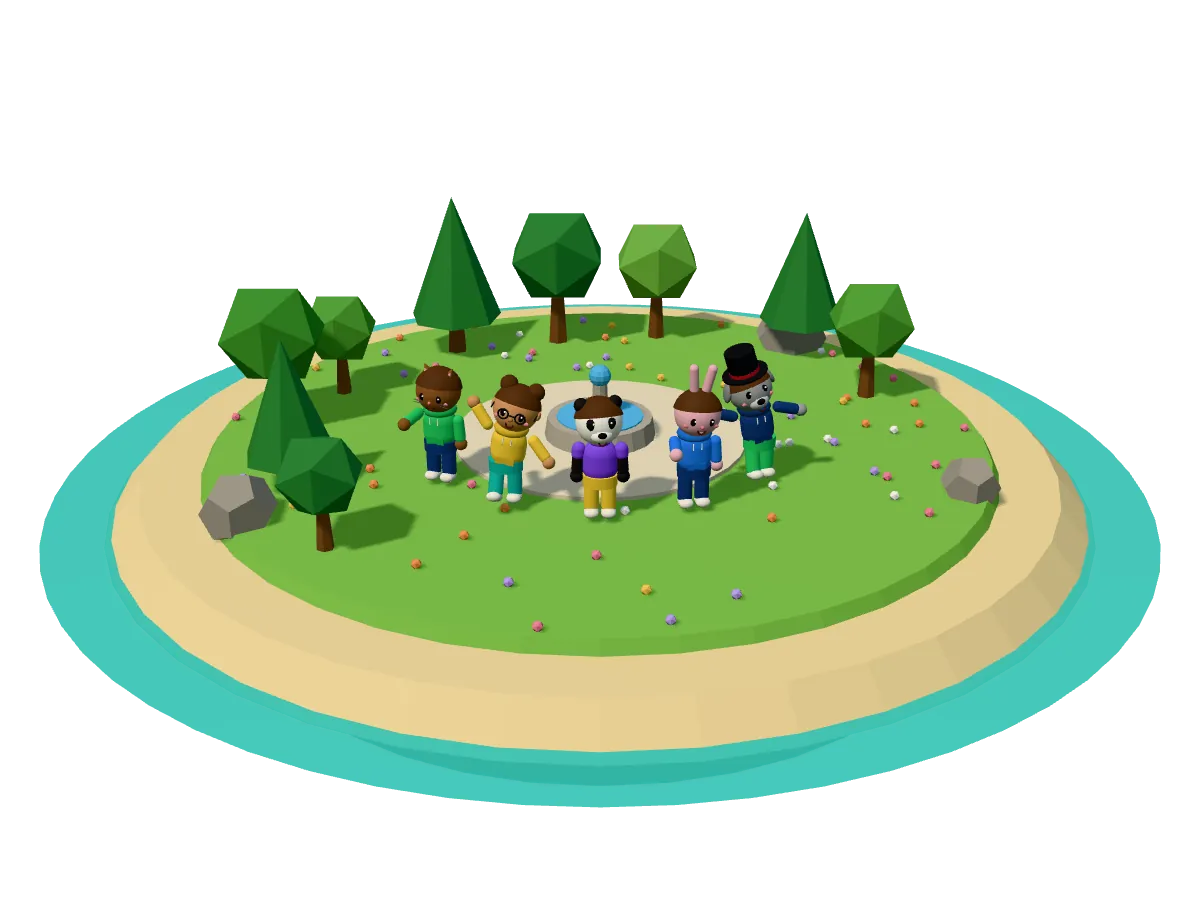
Cartoon people and animals waving together on a little island
Click a character

A day on the island

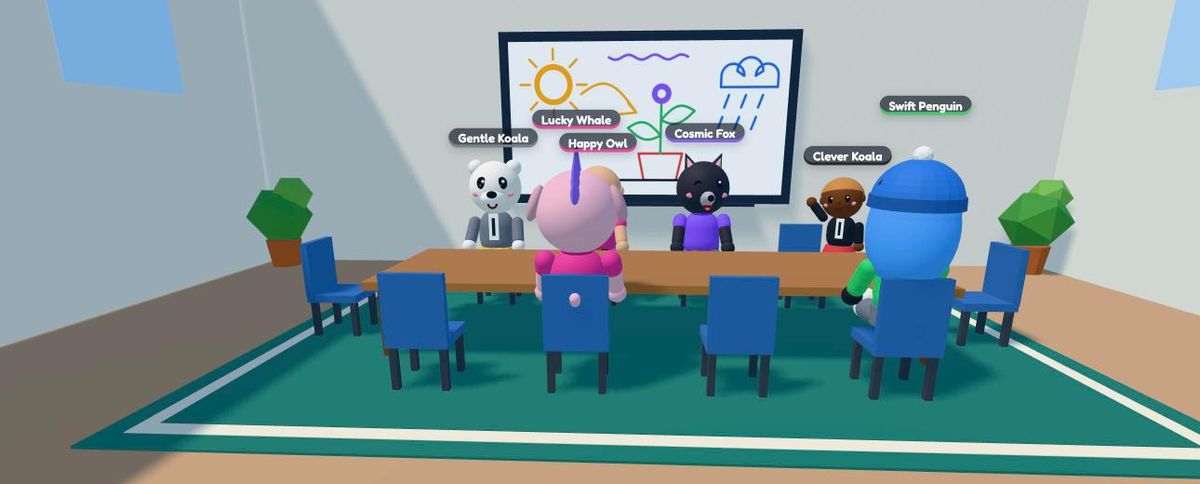
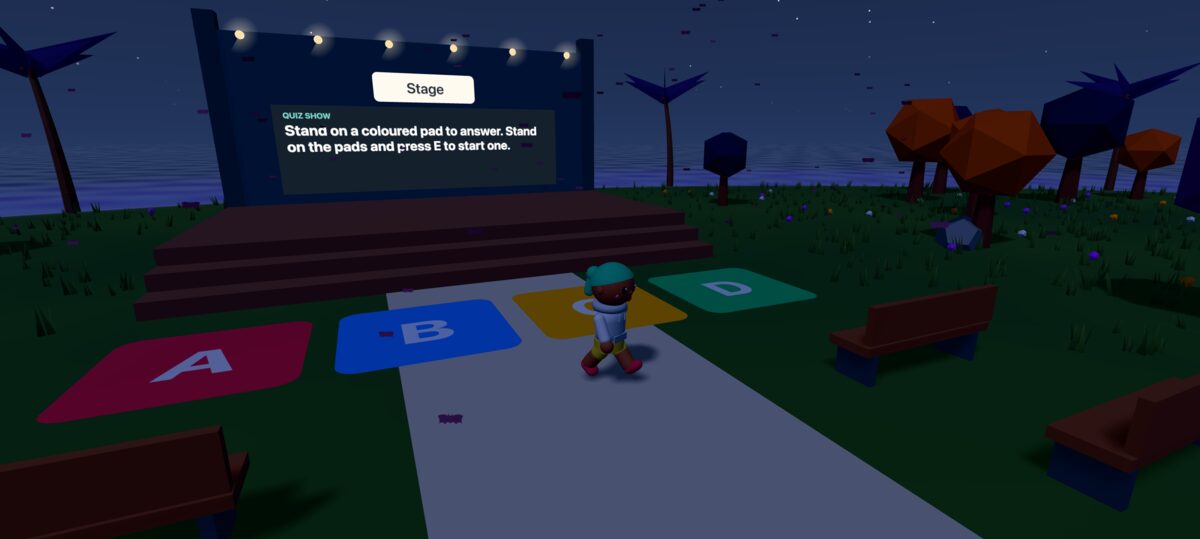
A new teammate picks a look, says hi, sketches the plan on the whiteboard, builds a team corner and wins the onboarding quiz. Played for real, with the island's own sounds.

Walk around the team island, no sign-up

Pick your path

Teachers bring their class (grades 4–8) onto a safe island to learn by exploring.

Every station is a short lesson with one question, and every right answer is a star.

Everything for schools
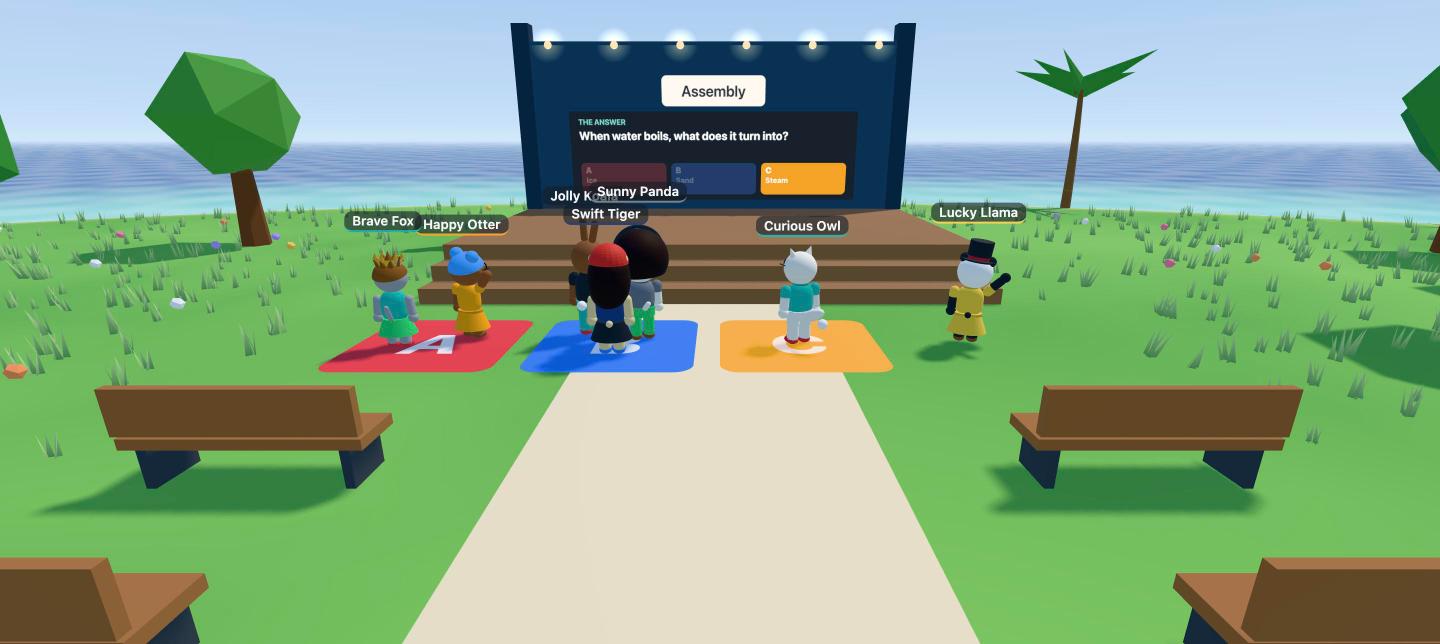
A class answering a quiz by standing on colored pads
Quiz time in Class 4B
  • Ready-made lessonsScience, reading, math and art, or your own
  • Quiz shows and hide and seekGames the whole class runs around for
  • Field tripsFly the whole class to another island
  • Build and drawWhiteboards and photo hunts, together
  • Progress for everyoneEvery student's stars, ready to export
  • No student accountsJoin with a code: no emails, no passwords
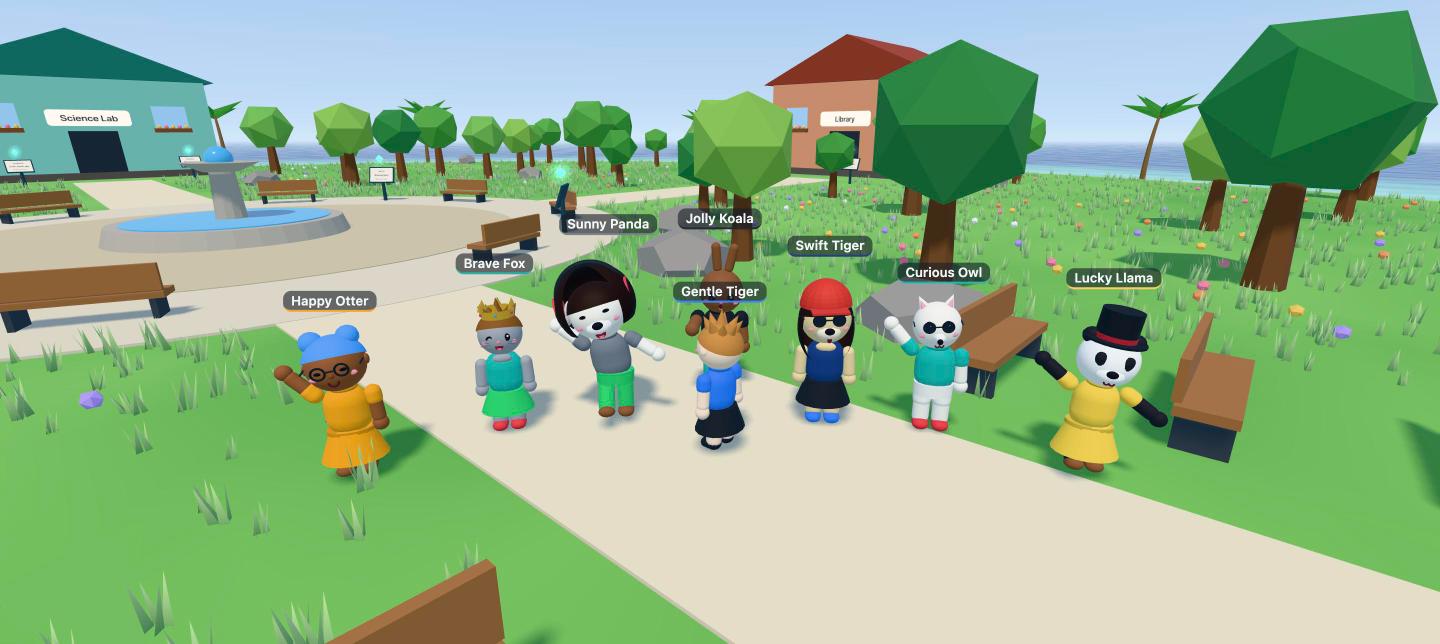
Up and running in three stops

  1. 1Create a spaceSign up with your email or Google and you get your own island with starter lessons.Free, in a minute
  2. 2Share the linkStudents or new hires open it and pick a character. That's it.No installs, no student accounts
  3. 3Learn togetherExplore stations, run a quiz, and watch progress come in.Every student's stars, live

Bring your class or team to the island

Every space and feature is free during the pilot. Set one up in a minute, or tell us what you need.

Questions first? Talk to us · Pricing · Safety

Getting the island ready…